Vanguard TerrainFX
Terrain, erosion and rivers for 3ds Max - grown and carved on the GPU.
See it in actionFree 7-day trial
Release notes
What's new in 1.7.0
Export the whole texture set in one go.** Tools ▸ EXPORT TEXTURE SET writes every layer of the terrain into one folder at 1024 up to 16384: colour, normal map, ambient occlusion, 16-bit height (PNG and .r16), roughness, a mask for every material and painted layer, and the terrain masks (slope, height, wetness, sediment, river, flow, cavity, ridges, talus).
Built from the real terrain at that size.** The terrain is solved again at the texture's resolution and the close-up detail is included, so an 8K normal map carries the crags. A progress bar shows each step and it can be cancelled.
Ready to render.** The finished set can be applied as a Physical Material (colour, roughness and normal map) in one click; it renders the same in every renderer.
What's new in 1.6.0
Professional paint texturing.** Eight paint layers instead of four, each with its own colour or any 3ds Max map and its own tile size (Material ▸ Painted layers). Layers 1-4 still feed rock, grass, sand and snow until you give them a map.
Paint in detail.** Paint detail goes up to 4096 x 4096 over the terrain, with brush Hardness and Edge noise for natural, ragged edges. The layer you paint last always shows on top.
Height blend.** Where two layers meet, the one standing higher in its own texture shows through, so transitions follow the detail instead of a soft smear.
Fast viewport.** The terrain material makes its own viewport texture on every core, and while you paint only the area under the brush is redrawn. Choose 512 to 4096 under Viewport texture.
Light undo.** Undo stores only the part of the paint a stroke changed.
Masks for every painted layer** in the material's Output list, and Painted layers 5-8 as Scatter masks.
What's new in 1.5.0
Painting shows in the viewport.** Painted layers always reached the render, but the terrain material in the viewport never refreshed, so painting looked like it did nothing. The material now updates after every stroke, and after any other change to the terrain.
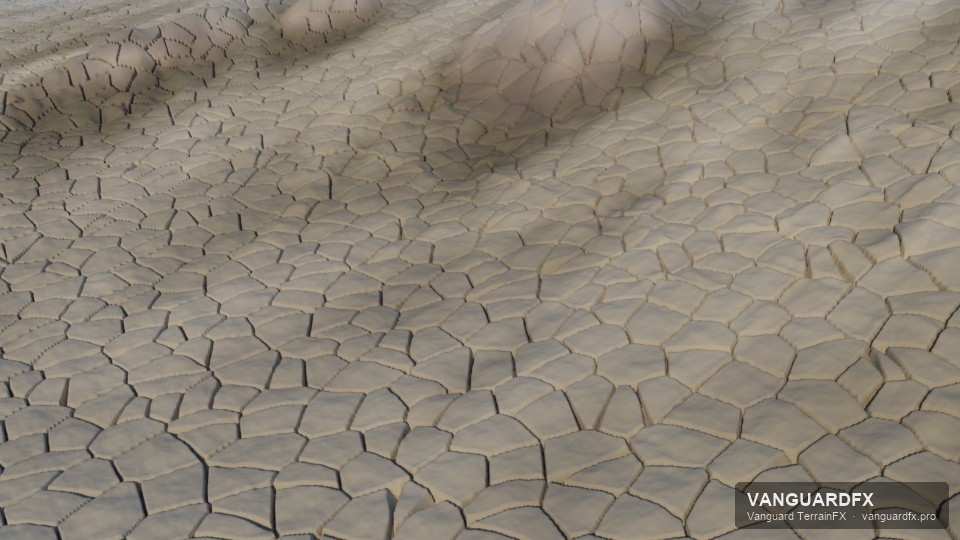
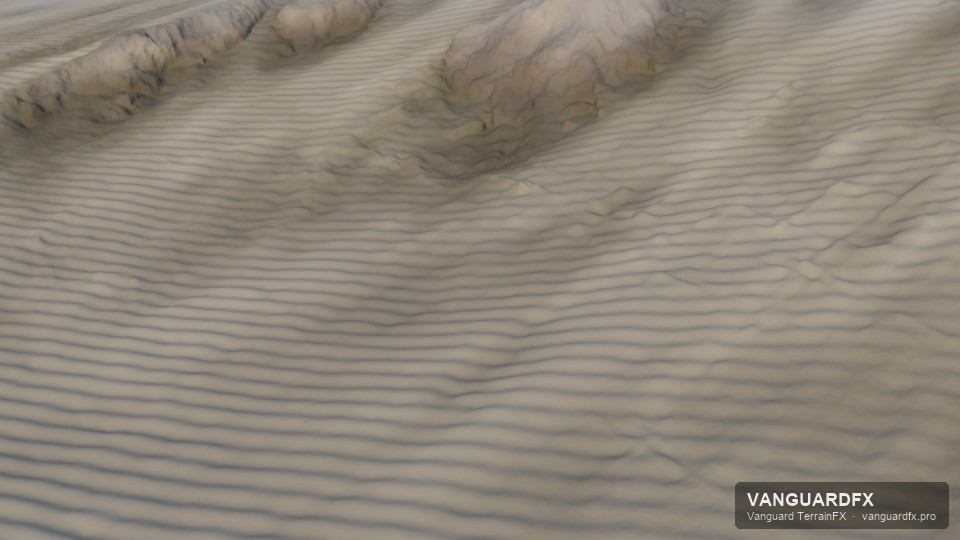
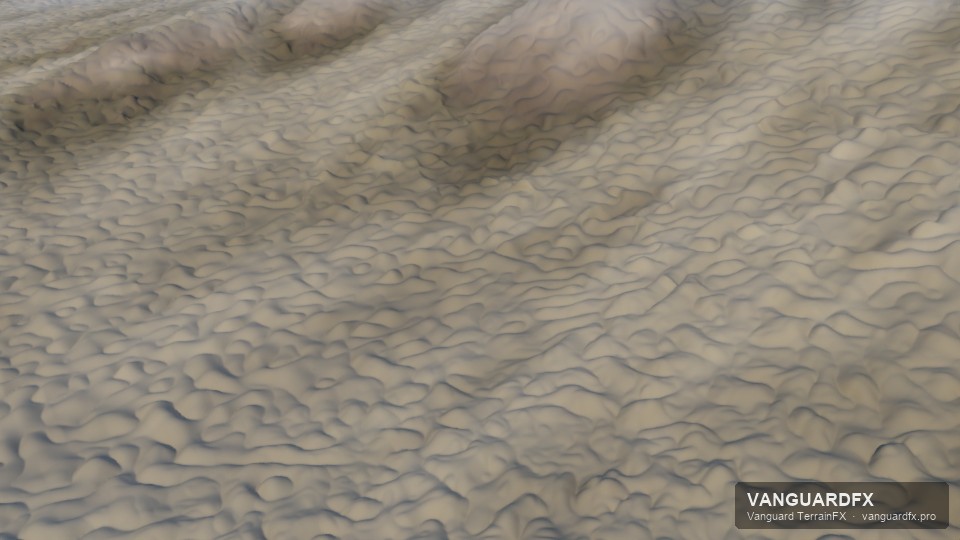
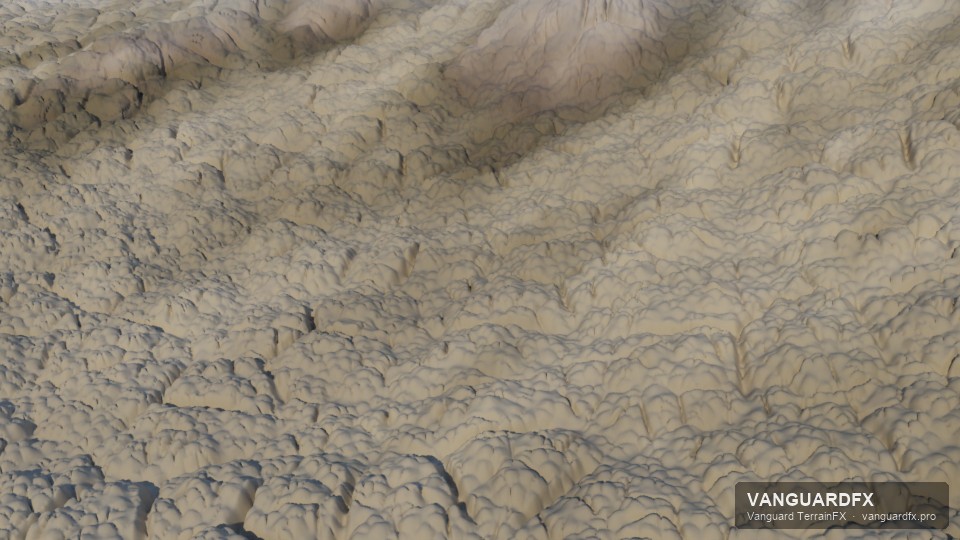
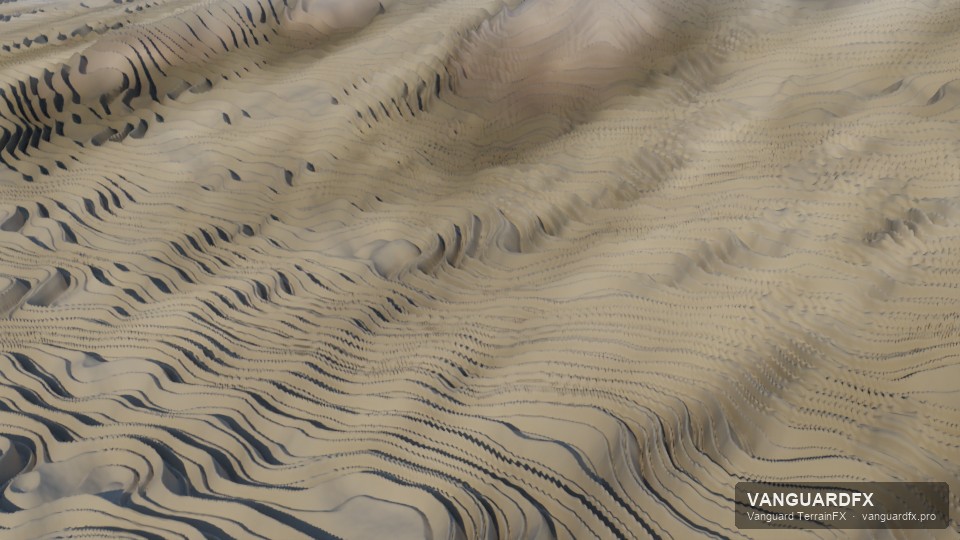
Six close-up detail styles.** Natural, Rocky cells, Layered shale, Wind ripples, Cracked ground and Eroded streaks, each built as real geometry in the render. A Detail seed gives a different random variant of any style.
Your own displacement map.** Plug any 3ds Max map (Noise, Cellular, a bitmap) into Displace map and set Map height. It displaces the render mesh on top of the close-up detail.
Triplanar textures on cliffs.** Layer maps on steep faces are now projected from the side, so rock textures no longer stretch into streaks.
Paint from MAXScript.** VanguardTerrainTools.paint terrain layer u v radius strength paints a layer from a script.
What's new in 1.4.2
The VanguardFX badge on every terrain.** Like the other VanguardFX objects, VanguardTerrain now shows the ram and the name VANGUARD TERRAINFX in the viewport, lying beside the front corner of the terrain and sized with it. Click it to select the terrain. It is drawn in the viewport only and never appears in a render.
What's new in 1.4.1
Make terrain material no longer crashes 3ds Max.** The button builds the material and assigns it, and no longer opens the Material Editor itself (its preview render could crash in another renderer's material). Press M to see it.
Scatter Count is now the number of objects you get.** Before, Count was the number of points tried, so with a narrow mask such as "Auto: sand" 2000 tries left only a few dozen trees on a whole mountain. Now it keeps trying until Count objects are placed, and the status line shows your objects and the automatic rocks separately, and says when the rules leave too little room.
What's new in 1.4.0
Real close-up detail.** In Vanguard Render the terrain now builds its render mesh for the camera: centimetre-scale near the lens, coarser with distance. Crags, cracks and ledges on rock, lumps in soil, ripples in sand and drifts in snow are displaced into the geometry, so a shot 30 m from a cliff shows rock instead of a smooth surface. Set it under Close-up detail (Detail height, Detail size).
Every mask as a map.** The terrain material's Output can now be any mask (slope, height, wetness, deposition, river, flow, cavity, ridges, talus, each layer) or the close-up detail height. Use them in any material, as a displacement map in other renderers, or bake them to textures for compositing.
Works alongside the other VanguardFX plugins.** Outside a render, Crowd, Fire, Tornado, Fluid, Weather and Shatter now read the light viewport mesh of the terrain, not the heavy render mesh.
What's new in 1.3.0
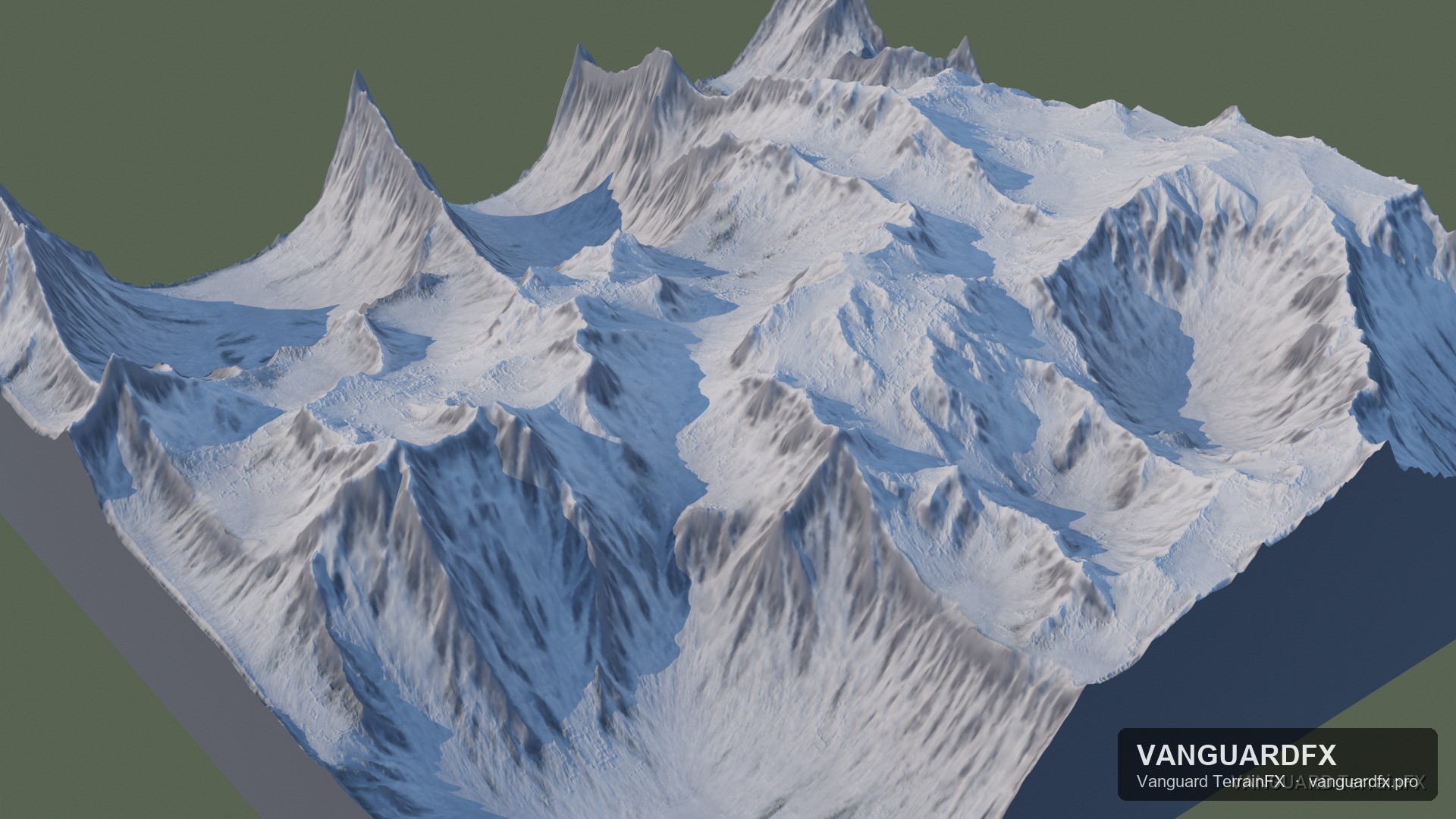
Droplet erosion on the GPU.** Millions of raindrops carve the branching gully and stream networks of real mountains, in well under a second.
Automatic rocks.** The scatter places boulders at the foot of cliffs, rocks and pebbles in the stream channels and gravel on the flats by itself, half-buried, with built-in rock shapes - no objects needed.
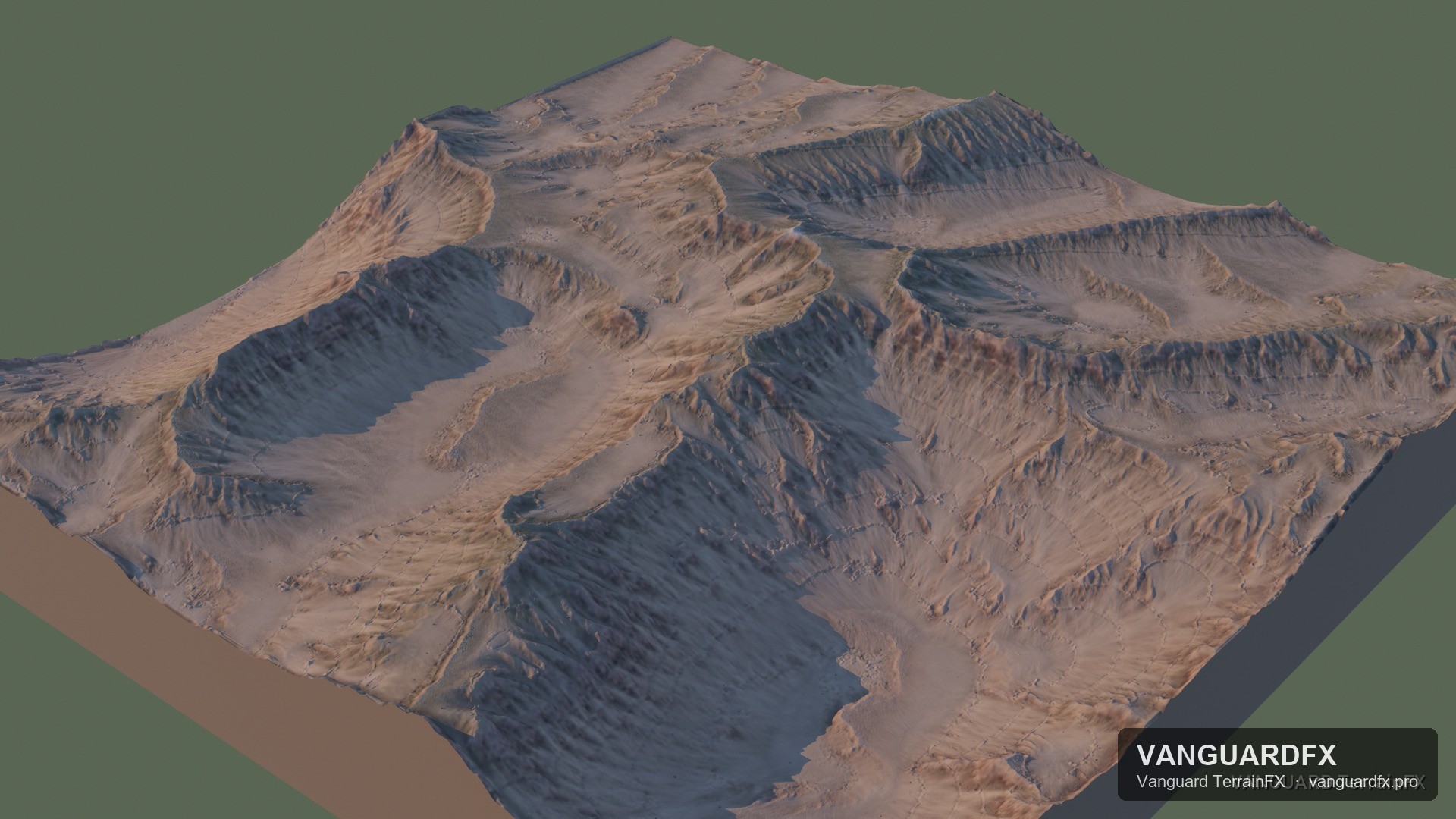
Tilted, uneven rock strata.** Layers can lean and vary in thickness, and the terrain material colours them in bands.
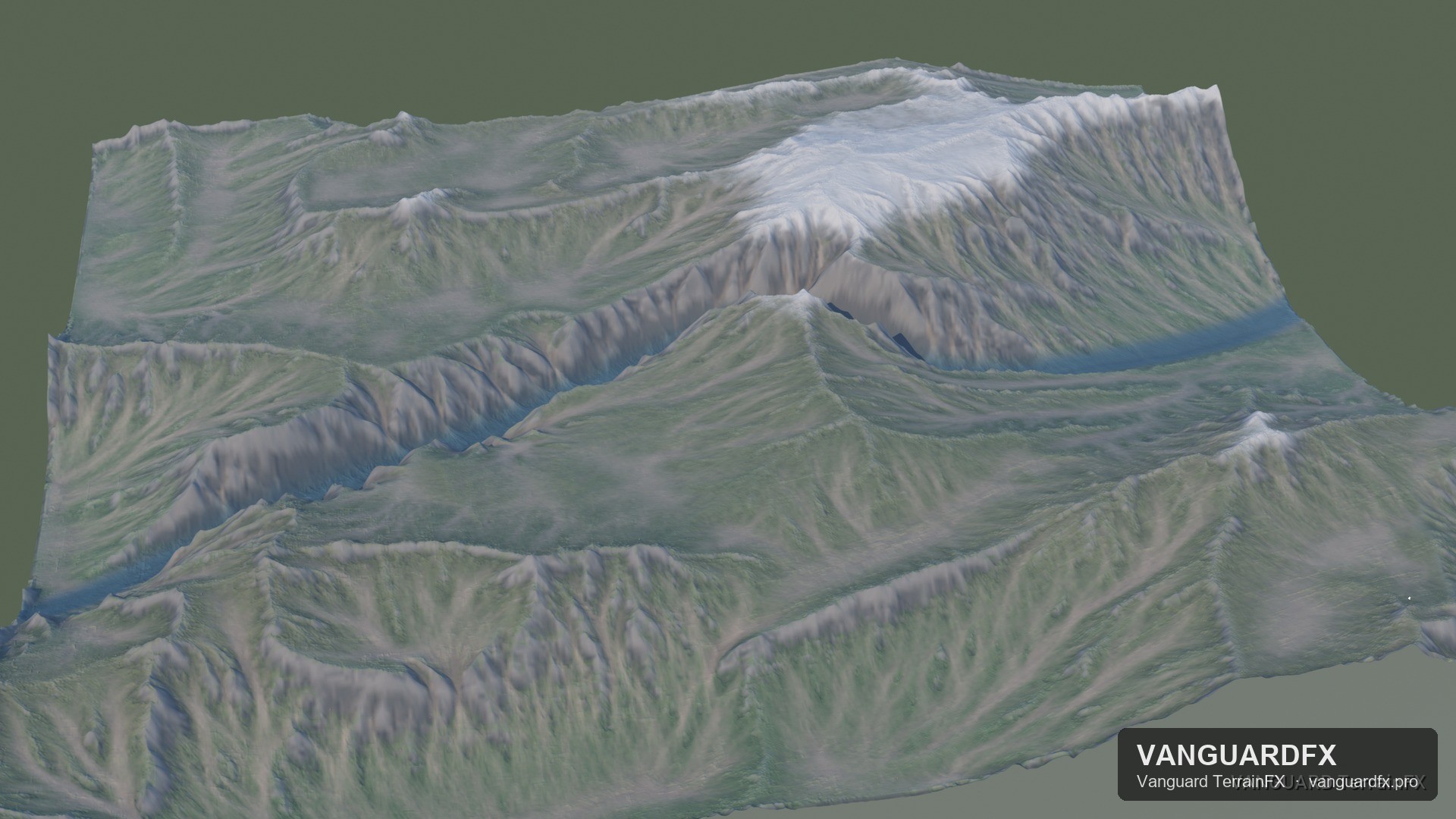
New material masks.** Channels fill with pale sediment, crevices darken and edges catch the light.
Full detail in Vanguard Render.** The render-resolution terrain and every scattered rock now reach Vanguard Render.
What's new in 1.2.0
Stable erosion at real mountain heights.** Erosion no longer throws up needles and pits on tall terrain; ranges keep sharp ridges and real gullies.
Rock detail where it matters.** Render-resolution terrain now gets crags on steep faces at every scale, so close-ups and wide vistas read as rock, not clay.
The terrain material follows the fine detail.** At render time, rock, snow and grass come from the render grid, not the viewport grid.